

Auto Instrumentation Public Beta
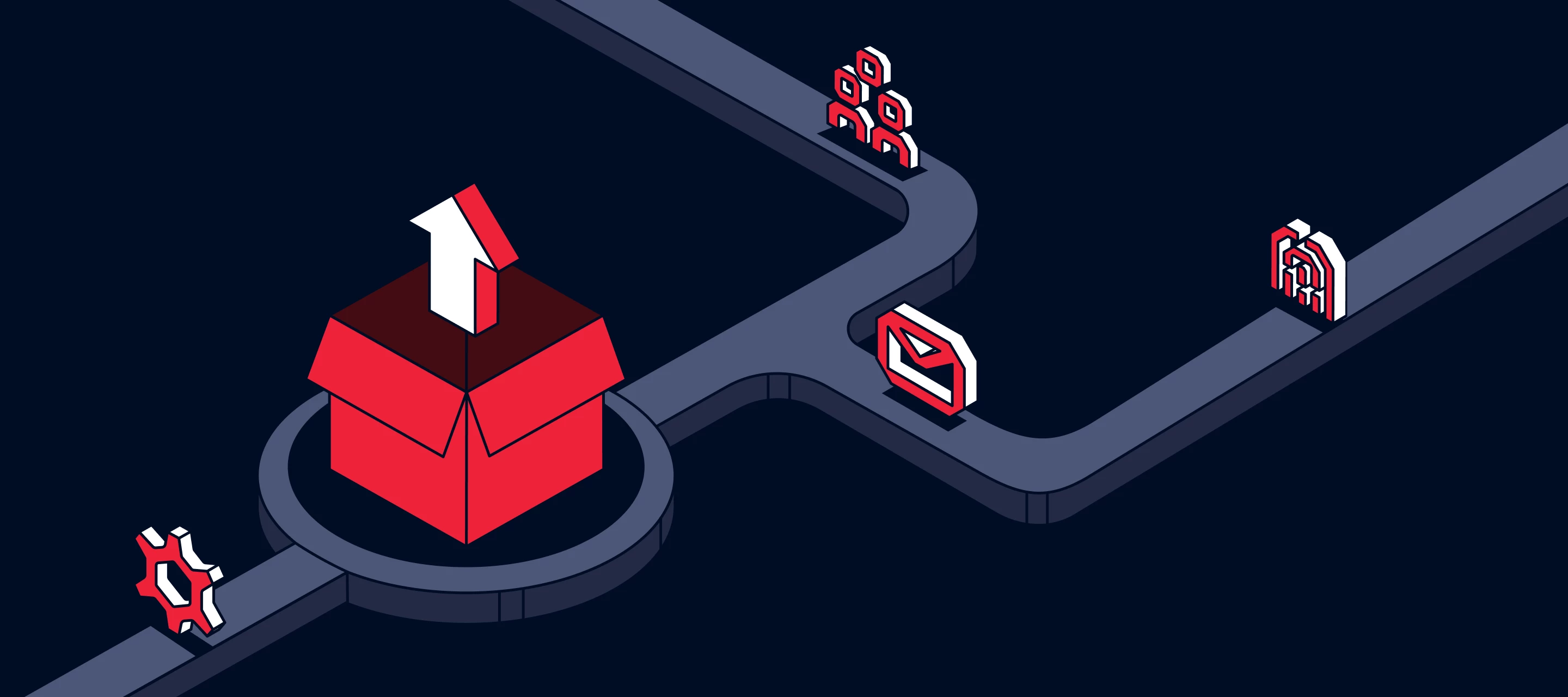
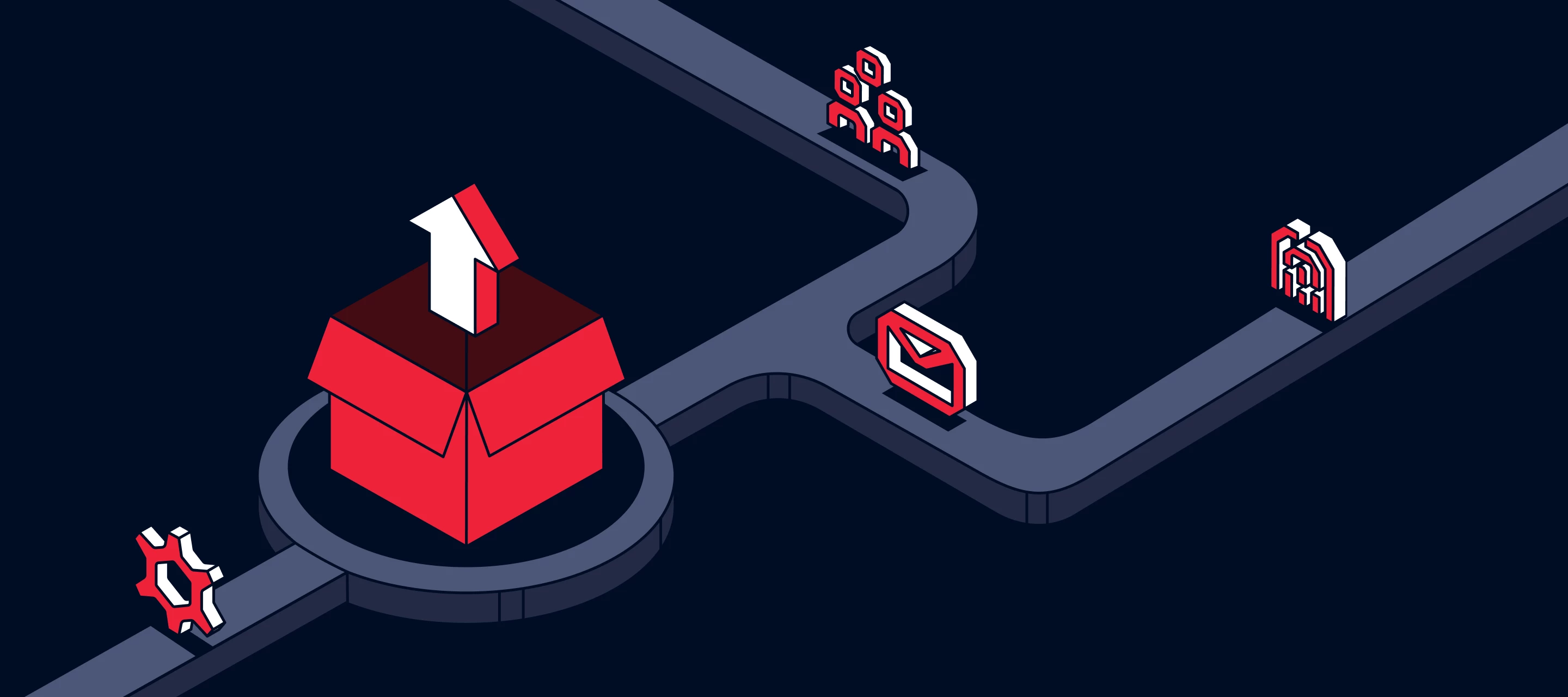
Auto-Instrumentation: The End of Manual Tracking You can now capture, create, and publish events without touching code.Auto-Instrumentation lets you move at the speed of your business, not your release cycle. Why It MattersManual event tracking slows down product and marketing teams. Each new event usually means a Jira ticket, a sprint slot, and a release window.Auto-Instrumentation removes that bottleneck. It lets non-engineers define new events in minutes instead of waiting weeks for an app update.Teams that adopt Auto-Instrumentation see: Faster campaign launches and A/B test setups Cleaner, more consistent data Less engineering overhead and context switching How It Works Replace the original Segment SDK with the Signals SDK in your website or mobile app (Swift or Kotlin). Enable Auto-Instrumentation in your Segment source settings (Settings > Advanced > Auto-Instrumentation). Turn on Debug Mode on web, iOS, or Android. Interact with your app — Segment records every click, navigation, and API call as interactions. Open the Event Builder in your workspace to: View captured interactions Combine them into Event Rules Map event properties or traits Preview and Publish directly — no deploys needed Once published, the SDK automatically emits those events through your standard Segment pipelines: Protocols, Destinations, Audiences, Journeys, and Warehouses.Pro tip: You can verify your event firing in real time from the Source Debugger.Demo video Example Use Cases Marketing teams can instrument new funnel events instantly — no sprint cycles required. Product managers can track onboarding or feature usage without waiting for the next deploy. AvailabilityAuto-Instrumentation is now in Public Beta for all workspaces.Enable it today from your Segment workspace:Source → Settings → Advanced → Auto-Instrumentation → Toggle OnThen update your SDKs and start capturing your first signals. Read the full setup guide › Related Blog: Auto-Instrumentation: The End of Manual Tracking